
Streaming Etiquette for Reaction Sounds
How to use reaction buttons on stream so they help the bit instead of fighting your game audio, your overlays, and your chat.
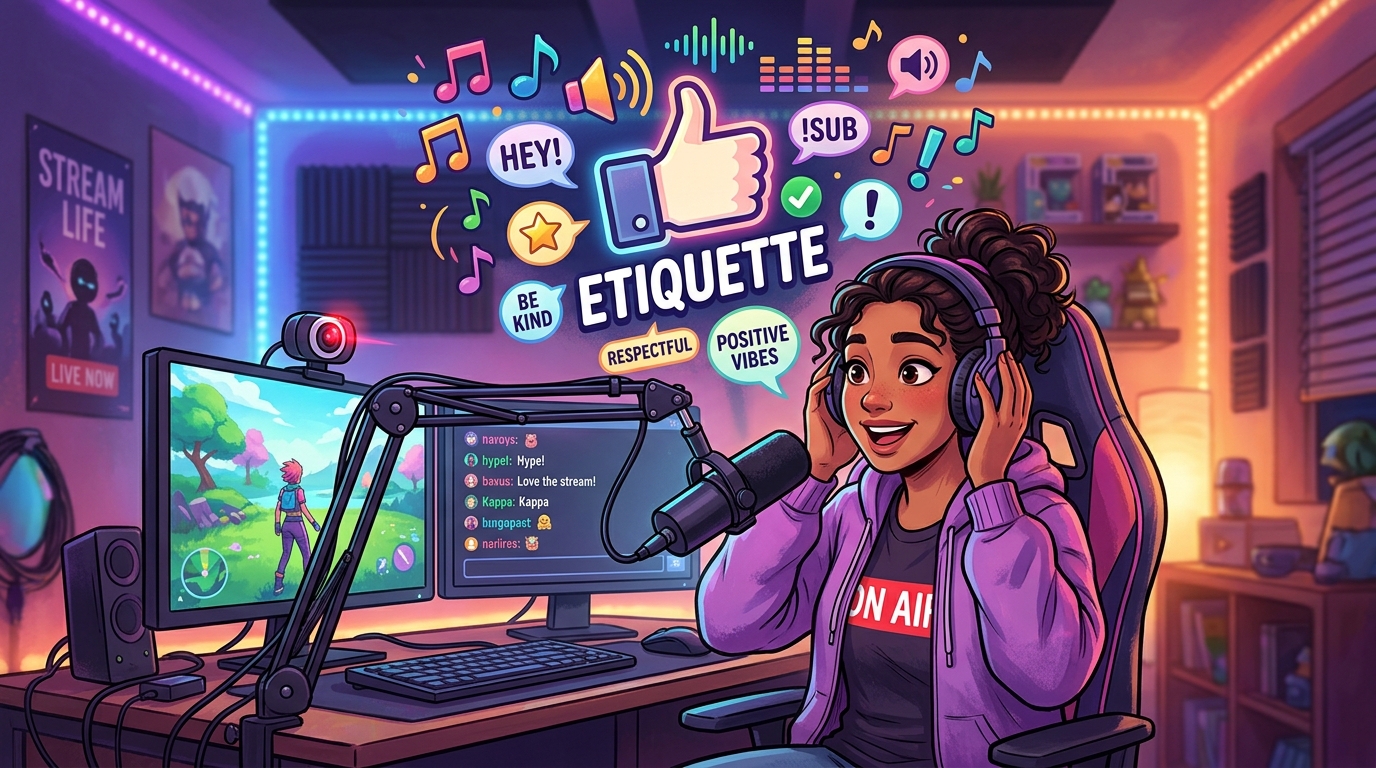
Reaction sounds are easy to overuse on stream because they are fun for the person with the hotkey. Viewers hear a different mix. This is a short etiquette guide so the board stays a spice rack, not the entire meal.
Let the game finish the sentence
Death recaps, victory stingers, and announcer lines already occupy the same frequency range as a meme scream. Wait until that line ends. Then tap. The audience will actually hear both jokes.
Bind fewer buttons
Three excellent stings beat thirty you cannot remember. If you have to look at a grid mid-fight, you will throw the match and still miss the timing. Put your real roster on a tiny stream deck or a handful of keys.
Do not duck your own voice into nothing
If your compressor grabs the meme and then your commentary disappears, viewers lose the reason they followed. Sidechain carefully. A reaction sound should sit beside your voice, not replace it for two seconds.
Read the room in chat
If chat is quoting the clip unprompted, you can fire it. If chat is trying to help you solve a puzzle, a random fart button is you talking over them. Save the board for moments that already have energy.
Credit is optional; clarity is not
You do not need an on-screen essay about where a sting came from. You do need the audience to understand why it played. If a clip needs a paragraph of explanation, it is the wrong clip for live.
Use Sound Buttons Max to audition quickly before you go live, then take only the winners into the overlay. The library can be huge. Your live board should stay small.